Mold design basics

What is 3d mold maker, and what does it actually make?

A 3d mold maker is a digital tool or workflow for designing a negative shape around an object so material can be formed or cast into a repeatable part. The design is only a starting point: whether the mold works depends on its geometry, material and fabrication.

Digital mold design workspace with a three-dimensional form

How it works

A 3d mold maker helps translate a desired part into mold geometry, but the designer still has to reason about separation and material behavior.

Three-dimensional master shape prepared for mold design

01

Start with the part, not the outer box

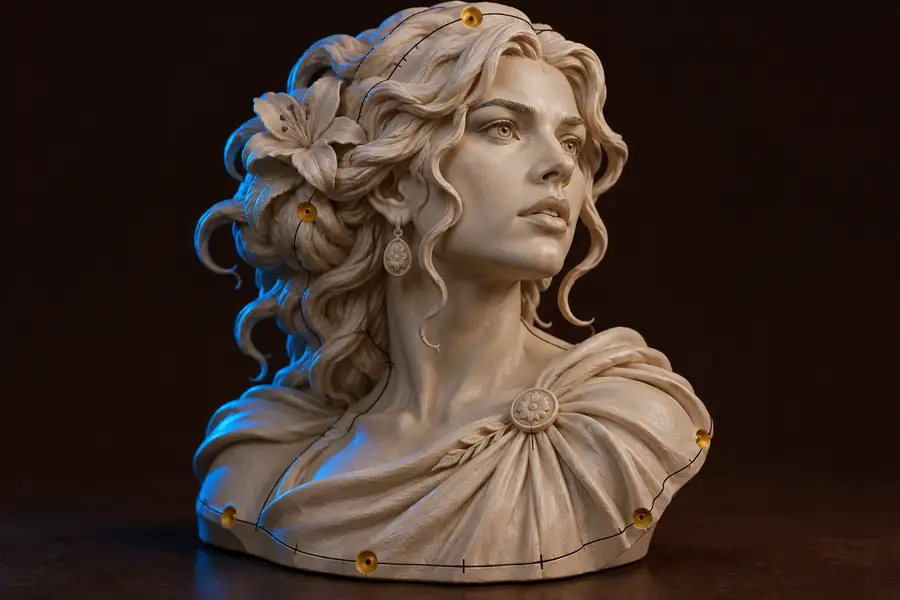
The master defines the surface the finished piece should reproduce. Check its scale and look for holes, overlapping faces or tiny details before building a cavity around it. A defect in the master can become a defect in every casting. For physical work, allow for changes caused by the chosen casting material and the mold-making process.

  • Confirm dimensions against the intended finished part.
  • Inspect thin features and inaccessible recesses.
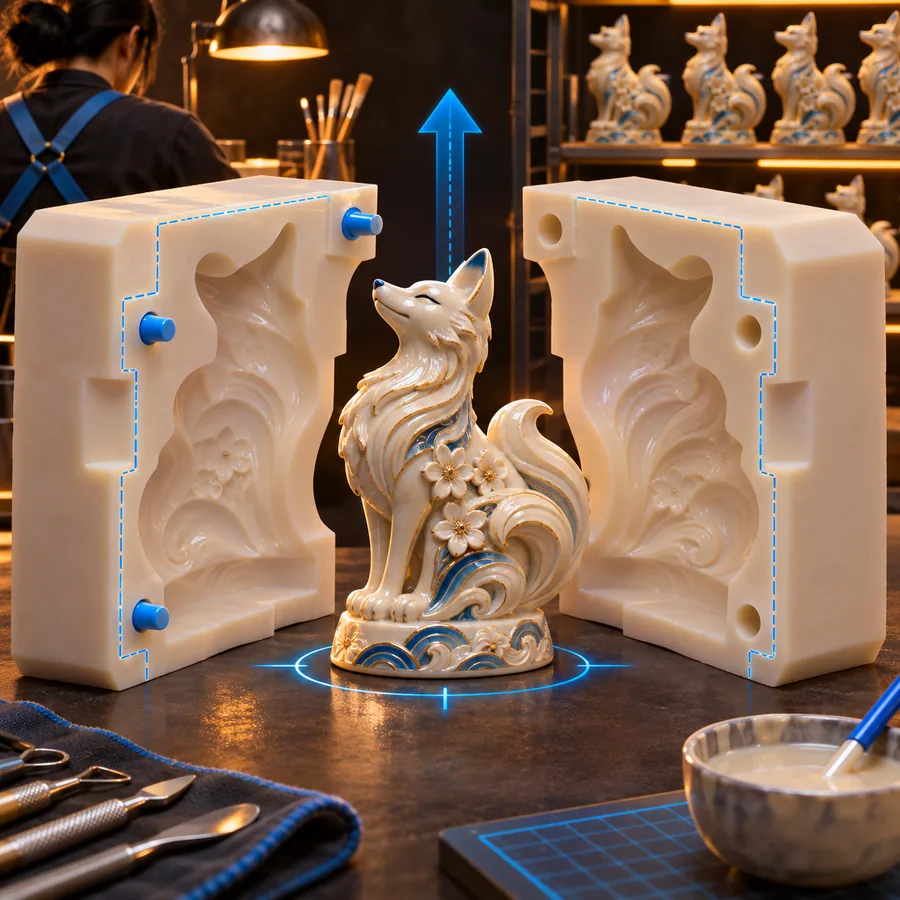
Separated mold parts showing a cavity and their alignment

02

Design a way to open the mold

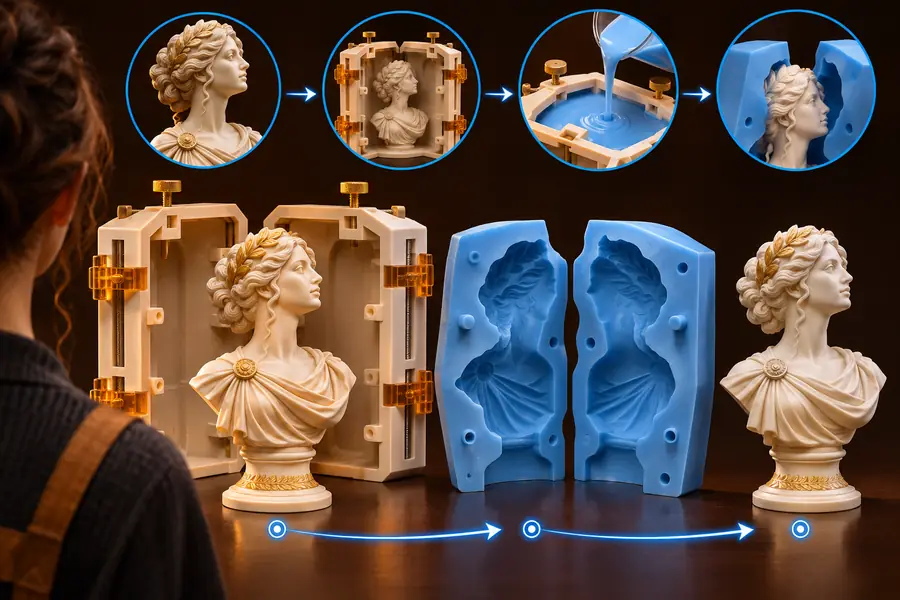
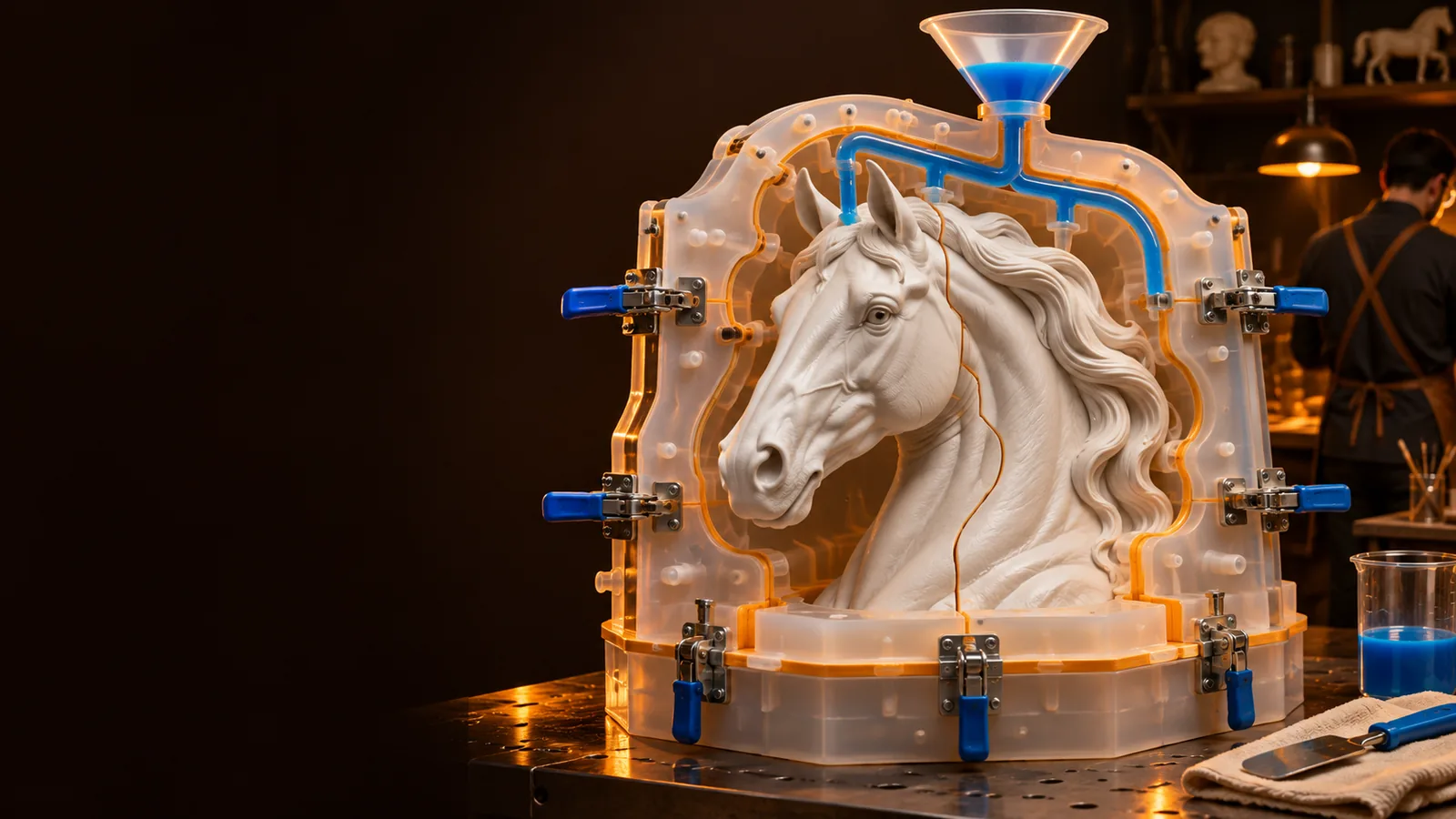
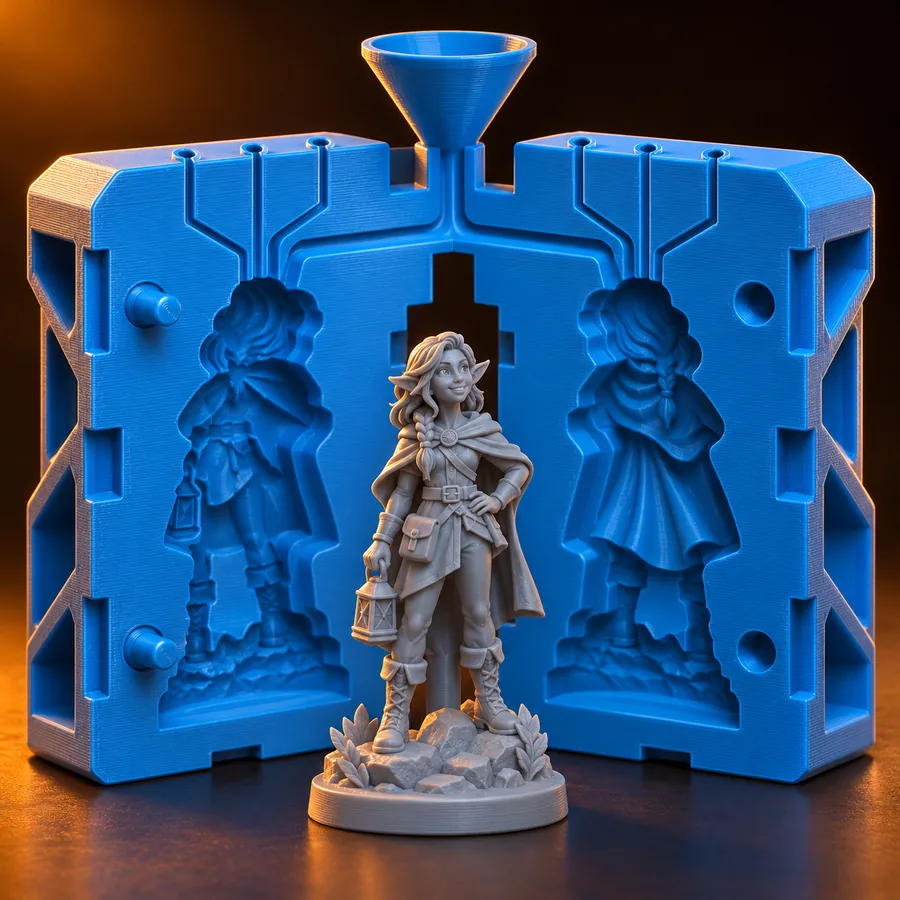
The cavity is not enough on its own. A mold may need a split, alignment features and an opening through which material can enter. A 3d mold maker can help visualize these relationships, while the appropriate parting line depends on undercuts and the direction in which the part will be removed.

  • Identify surfaces that could trap the cast part.
  • Plan how the mold halves will meet again.

From model to mold

These are the three decisions to make before treating a digital mold as ready for fabrication.

Prepare the master

Use a dimensionally checked model of the intended part. Repair mesh faults and decide which surface details must appear in the casting.

Choose the split

Mark the release direction and parting line, then inspect undercuts. Add mold sections where a simple two-piece split would trap the part.

Test the physical plan

Check wall strength, access for pouring or filling, alignment and material compatibility. Review a prototype before relying on the mold for repeated parts.

What it can and cannot do

A 3d mold maker can make the geometry easier to inspect; it cannot prove how an untested material and part will behave together.

It cannot guarantee release

Undercuts, texture and rigid mold walls can lock a casting in place even when the cavity looks correct on screen.

WorkaroundInspect the pull direction and try a small physical test with the intended materials.

It cannot certify a safe material pairing

Resins, silicones, coatings and printed surfaces can interact in ways a geometric model does not predict.

WorkaroundConsult material guidance and run a compatibility and cure test.

It cannot replace fabrication checks

Thin walls, poor fit between sections or an inaccessible pour opening may cause failure after a model is printed or machined.

WorkaroundReview dimensions, tolerances and assembly on a prototype before making repeated casts.

Who uses it

Model makers, product designers and casting hobbyists use digital mold planning when they need to repeat a shape. The comparison illustrates the change in design problem, not a guaranteed software output.

Prepared master

Prepared sculpted master mesh before mold splitting
Sculpted head shown with separate mold sections
Planned mold split

A sculptor may start with a finished surface; someone planning repeat casts must also decide where the mold separates and how each cast can be removed.

Put the definition to work

Explore a digital mold-design workflow

Bring a clear idea of the part, its dimensions and the material you intend to use. 3dmoldmaker can point you toward a design workspace; verify its available tools and check any proposed geometry before fabrication.

  • Start with the intended part.
  • Check the split and release path.
  • Prototype before repeated casting.

Frequently asked questions

The phrase describes a tool or workflow used to plan mold geometry from a three-dimensional part. It can help show a cavity and possible mold sections, but making a usable physical mold still requires material and fabrication decisions.

No. A model usually represents the part you want to produce; a mold includes the negative cavity and a structure that holds its shape. It also needs a workable way to fill the cavity and remove the finished part.

No. Deep undercuts and enclosed features can prevent a rigid two-part mold from releasing the casting. Additional sections, a flexible mold material or a change to the part design may be needed.

Not necessarily. A digital design can inform different fabrication methods, while some molds are made directly around a physical master. The right method depends on the shape, required finish, casting material and number of parts needed.

Start creating
Start creating